
Practical Next.js 16 Upgrades: What Turbopack, React 19, and Server Actions Actually Change
Lessons learned migrating production client applications to Next.js 16. Handling asynchronous request APIs, replacing client mutation state with Server Actions, and Turbopack build nuances.
Akusara Engineering Team
Core Platform Engineers

Lessons learned migrating production client applications to Next.js 16. Handling asynchronous request APIs, replacing client mutation state with Server Actions, and Turbopack build nuances.
Why We Upgraded
Next.js 16 with React 19 represents a stabilizing release for the App Router. For teams maintaining long-lived client codebases, the transition delivers concrete performance benefits—particularly compilation velocity via Turbopack and cleaner server-side data mutations.
However, moving from older App Router conventions requires deliberate adjustments. Here is what we adapted across our deployments.
1. Asynchronous Dynamic APIs (params and searchParams)
In Next.js 16, dynamic route parameters and query parameters are asynchronous Promises. Accessing params.slug directly without awaiting causes runtime warnings and build failures.
// Next.js 16 Page Route Signature
interface PageProps {
  params: Promise<{ slug: string }>;
  searchParams: Promise<{ [key: string]: string | string[] | undefined }>;
}

export default async function Page({ params, searchParams }: PageProps) {
  // Must resolve params asynchronously
  const { slug } = await params;
  const filters = await searchParams;

  const data = await fetchEntity(slug);
  return <EntityDetail data={data} />;
}
2. Server Actions for Direct Data Mutations
Before React 19 and Next.js Server Actions, submitting a form required:
- Managing client
useStatefor input fields, loading states, and error alerts. - Defining an API Route handler (
app/api/contact/route.ts). - Writing a client-side
fetchcall with custom error handling.
With React 19 Server Actions and useActionState, the client bundle remains small while mutation logic stays type-safe on the server:
// app/contact/actions.ts
'use server';

import { z } from 'zod';
import { resend } from '@/lib/email';

const schema = z.object({
  name: z.string().min(2),
  email: z.string().email(),
  message: z.string().min(10),
});

export async function submitInquiry(prevState: any, formData: FormData) {
  const parsed = schema.safeParse(Object.fromEntries(formData));
  if (!parsed.success) {
    return { success: false, errors: parsed.error.flatten().fieldErrors };
  }

  await resend.emails.send({
    from: 'hello@akusaradigital.com',
    to: 'contact@akusaradigital.com',
    subject: `Inquiry from ${parsed.data.name}`,
    text: parsed.data.message,
  });

  return { success: true, errors: null };
}
3. Turbopack Build Performance
Turbopack compilation in Next.js 16 cuts local cold startup times down to under 1.5 seconds on large codebases. In production pipelines, build step durations dropped by roughly 40% compared to legacy Webpack builds.
Key Recommendations
- Do not use client components (
"use client") as default containers. Keep them strictly at the interactive leaf nodes (modals, dropdowns, form inputs). - Leverage
generateStaticParamsfor predictable marketing and content routes so static pages are pre-rendered at build time.
Published by Akusara Engineering Team
Core Platform Engineers
Akusara Digital is an engineering and product studio building mission-critical software, custom SaaS platforms, and developer tooling.
Read Next from Akusara
All Articles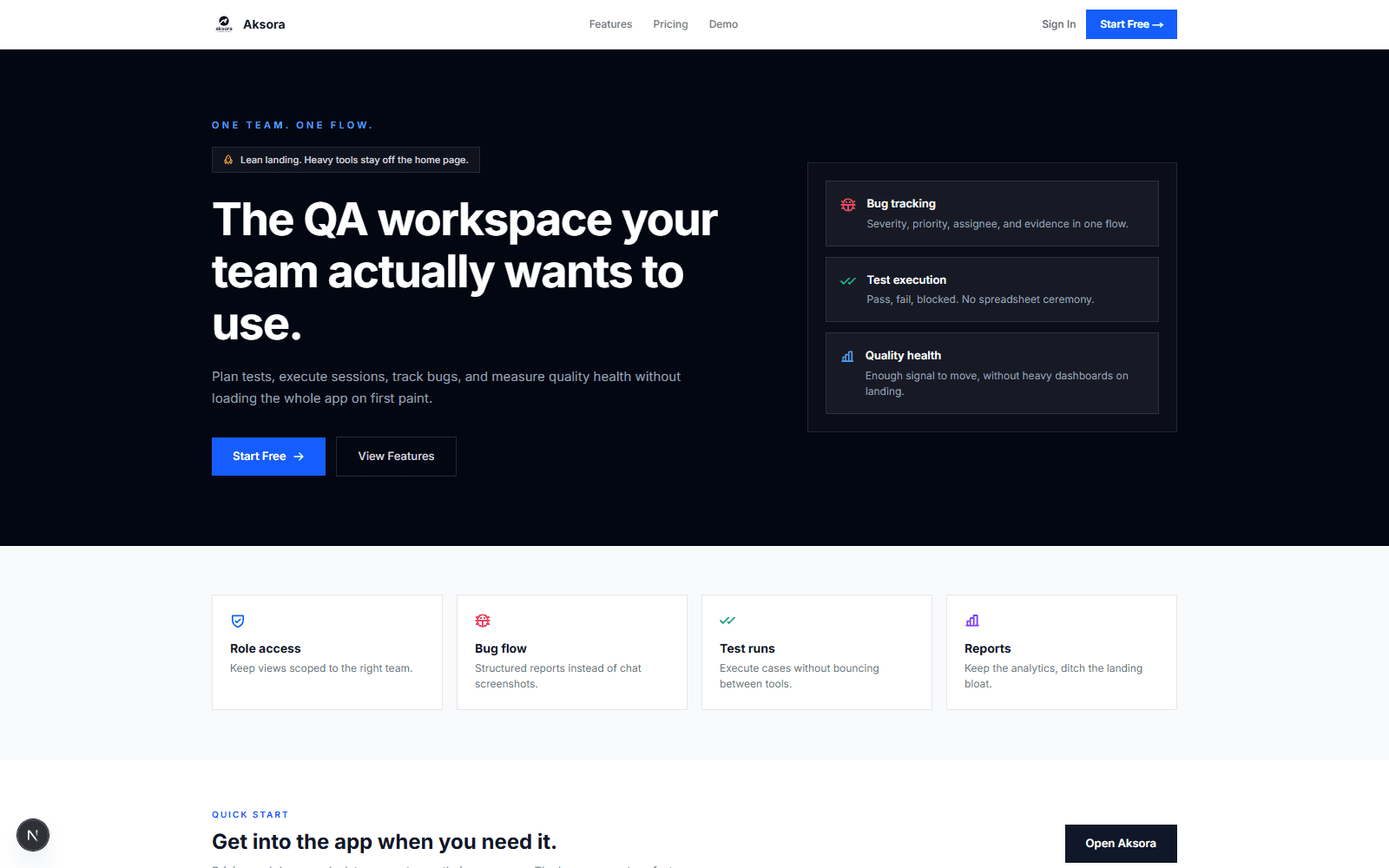
How We Architected Aksora: A Real-Time QA Platform on Next.js 16 and PostgreSQL
Behind the scenes of building our flagship test management workspace. Why we chose Next.js 16 Turbopack, strict PostgreSQL schemas, and end-to-end type safety.

Index Strategies and Connection Pooling in Multi-Tenant PostgreSQL
Why naive single-column indexes break under multi-tenant tenant_id scoping. Practical composite index patterns, JSONB query boundaries, and connection pooling with pgbouncer.